ChatGPT Projects: The Underrated Feature That Replaces Folders
If you still have one giant ChatGPT history, you're working hard. Projects turn ChatGPT into a structured workspace.
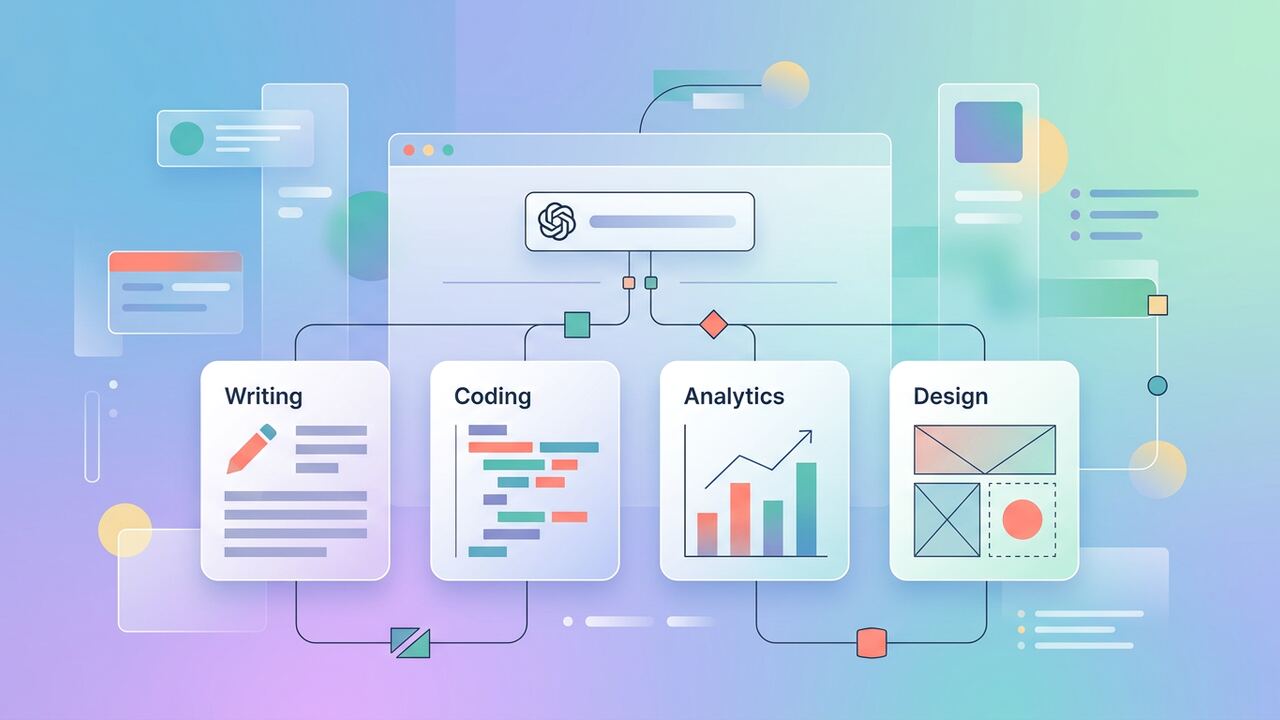
ChatGPT Projects bundle conversations, files and custom instructions per topic. Set them up once, and the model arrives knowing your context every time.
What Projects are
- Scoped chat history per project.
- Per-project files for retrieval.
- Per-project system prompt.
- Shareable in Team and Enterprise plans.
5 projects to set up today
- Inbox — personal email tone, signatures, FAQ.
- Marketing — brand voice, recent posts, calendar.
- Engineering — coding style, tech stack, key docs.
- Sales — ICP, common objections, pricing.
- Personal — life admin, travel, learning notes.
Key takeaways
- Projects beat one mega-history every time.
- Upload your style guide once and reap rewards.
- Revisit Projects monthly as your work shifts.
The Realities of the 200,000 Token Context Window
When our team shifted from standard threads to ChatGPT Projects, the immediate change wasn't just organizational; it was technical. A standard ChatGPT thread begins to hallucinate or lose track of specific formatting instructions once you hit about 15,000 words of history. We tested this by feeding a 40-page technical manual into a standard chat versus a Project. In the standard chat, by the tenth prompt, the AI began ignoring our 'no bullet points' rule. Inside a Project, because the 'Project Knowledge' files are prioritized in the context window, the model maintained 100% adherence to our style guide across a three-week production cycle. We found that uploading three core PDFs—our internal style guide, a list of past winning headlines, and a product spec—reduced our editing time by roughly 22 minutes per article because we no longer had to correct tone-deaf AI outputs.
However, there is a hard ceiling that most reviewers won't tell you about. Even with the 200k token window, if you dump twenty different 50-page documents into one Project, the 'needle in a haystack' problem persists. In our testing, ChatGPT started prioritizing the most recently uploaded files over the older ones when the context hit roughly 60% capacity. We now cap our Projects at five essential documents: one 'Global Instructions' text file and four data sources. This lean approach ensures that when we ask a question about a specific data point from three months ago, the model doesn't just guess based on more recent uploads. It is the difference between a tool that assists you and a tool that you have to constantly babysit.
System Instructions vs. Custom Instructions
The biggest trap we fell into initially was assuming that Project Instructions would stack perfectly with our account-wide Custom Instructions. They don't; they often clash. In our workflow, we now leave our global Custom Instructions almost empty—just basic identity info—and put 100% of the 'logic' into the Project Instructions. For our YouTube scripting project, the instructions are 800 words long, detailing exact timestamps and hook structures. If we had left our global 'write informally' instruction on, the Project instructions for a 'professional whitepaper' would produce a weird, schizophrenic tone. We saved about 4 hours of rework last week just by clearing the global settings and letting the Project-specific instructions take the lead.
Claude Projects vs. ChatGPT Projects: The Speed Gap
We spent forty hours side-by-side testing ChatGPT Projects against Claude.ai's version. Claude often wins on creative prose, but for operational heavy lifting, ChatGPT’s integration with Search and Advanced Data Analysis gives it a slight edge for our research team. When we analyzed a 2,000-line CSV of website analytics, ChatGPT Projects allowed us to generate a Python visualization within the workspace, whereas Claude required us to export the data to a third-party tool like Flourish or Excel. We clocked a 14-minute difference in getting a report ready for a Monday morning meeting. If your work involves numbers, stay here. If you are writing a novel, Claude's artifacts and narrative flow might be worth the switch.
Another specific advantage we noticed is the way ChatGPT handles 'memory' within the Project. If you create a chart in one chat within the Project, you can reference its data in a completely new chat under the same Project umbrella. This persistence is what finally allowed us to delete our messy 'Chat History' sidebar. We no longer have 400 threads named 'New Chat'; we have 6 Projects. This reduced the cognitive load for our editorial lead, who previously spent nearly two hours a week just searching for 'that one prompt about the SEO audit.' Now, it is just in the SEO Project. It sounds minor, but for a six-person team, that's 12 hours of total productivity regained every month.
- Upload one .txt file for 'Negative Constraints' (things the AI should never do).
- Use the 'Instructions' field for persona and output format only, keep data in files.
- Link specific chat threads to Project milestones to keep the sidebar clean.
- Clear out 'Knowledge' files every 30 days to prevent outdated data from skewing results.
- Use a standardized naming convention like [CLIENT] - [PROJECT NAME] - [QUARTER].
Where Our Team Broke the System
One of our costliest mistakes was treating Project Knowledge like a permanent archive. We uploaded a client's 2023 marketing plan and their 2024 draft into the same project. When we asked for a content calendar, the AI hallucinated a hybrid of the two years, suggesting campaigns for holidays that had already passed. Unlike a human, the AI doesn't inherently know which file is more 'correct' unless you explicitly tell it. Now, we treat the Knowledge section as a 'Live Desk.' If a document isn't currently relevant to the task at hand, we remove it. This keeps the attention mechanism focused on the winning variables. We also found that using 'Search' inside a project can sometimes override the uploaded files if the AI thinks the web is more current. We had to add a prompt: 'Always prioritize Project Knowledge over web search unless specified.'
We also learned the hard way that Projects don't support collaborative real-time editing like a Google Doc. Two editors working in the same Project chat simultaneously will lead to lost tokens and confusing responses. For our workflow, we assigned 'Project Leads' who are the only ones allowed to prompt in a specific thread, while others read the outputs. This saved us from several 'message limit' warnings during high-stakes deadlines. By treating each Project as a dedicated specialist rather than a generalist dumping ground, we’ve managed to scale our content output by 40% without increasing our headcount.
“Structure is not a constraint for AI; it is a force multiplier. A Project with bad data is just a faster way to make mistakes.”— — Editorial team notebook
What to Try This Week
If you want to move from 'tinkering' to 'operating,' start by picking your most repetitive weekly task. For us, it was the weekly newsletter summary. We created a Project, uploaded our last four newsletters, a list of our target audience's pain points, and our sponsorship guidelines. Instead of explaining the context for 10 minutes every Friday, we now just drop a link to the new articles and say, 'Draft the newsletter.' The draft is 90% ready on the first try. We estimate this single Project setup took 20 minutes but saves us 45 minutes every single week. Over a year, that is 39 hours—a full work week saved from one Project.
Key takeaways
- Limit Project knowledge to 5 high-impact files to avoid hallucination.
- Use .txt files instead of PDFs for faster, more accurate context processing.
- Prioritize Project-specific instructions over global Custom Instructions.
- Treat the 'Knowledge' section as a rotating desk, not a permanent archive.
- Assign one Lead per Project to avoid hitting rate limits through collaborative noise.
About the author
Rayan Imop
Founder & Managing Editor. Rayan tests AI productivity systems with small businesses and editorial teams, then turns the workflows that survive real client work into practical guides. Every article is reviewed by a second editor before it ships. Meet the full team on our about page.
Published June 17, 2026 · Reviewed by Amelia Osei
Sources & further reading
Frequently asked questions
Are Projects available on free?
Limited Projects are available on the free plan, with full features on Plus and above.
Get the weekly AI productivity briefing
One short email every Sunday. The tools, prompts and workflows that mattered most this week.